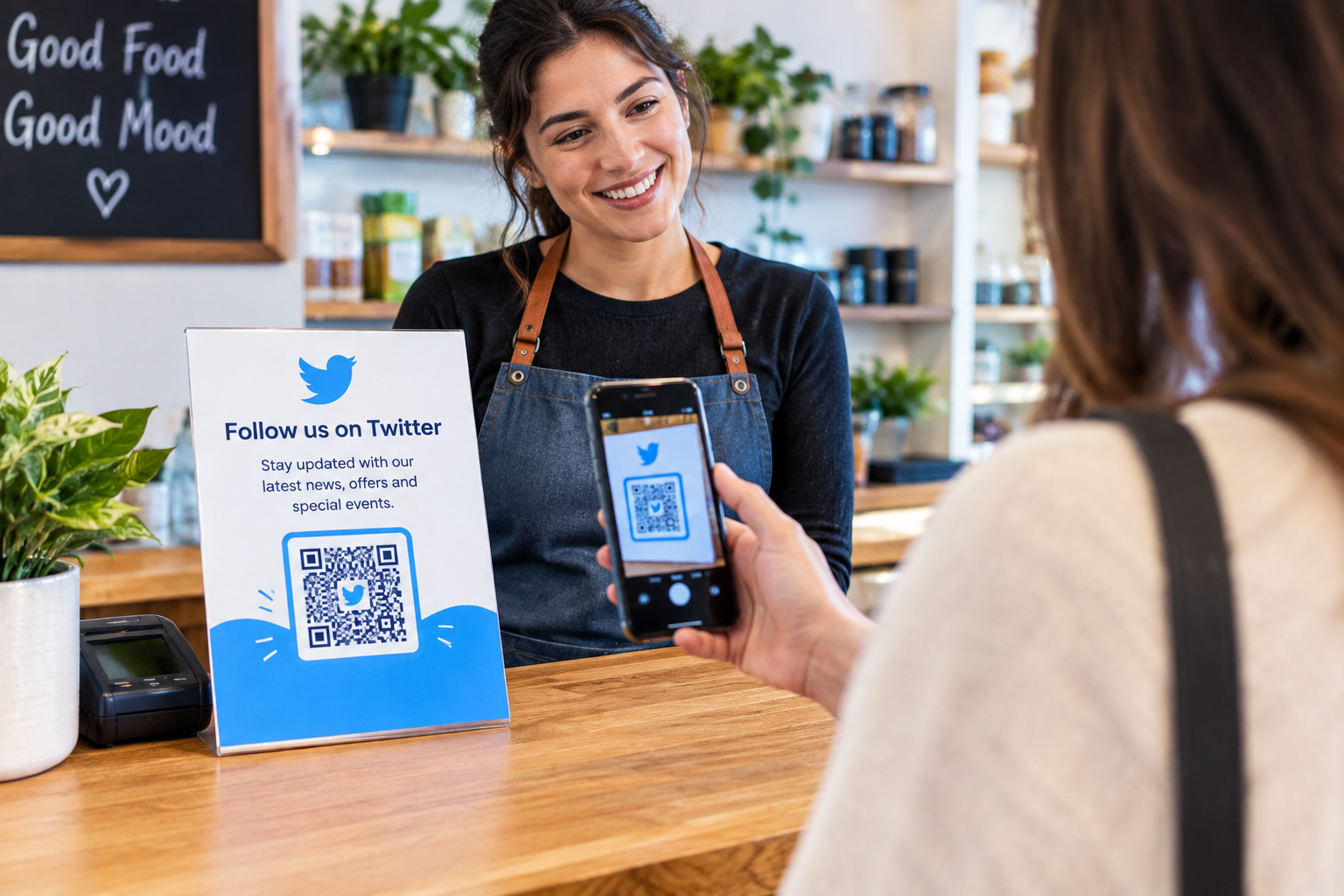
Small businesses spend a lot of time trying to stay visible. A sign outside the shop, a business card handed to a customer, a flyer at a local event, or even a product package can introduce someone to a brand. The problem is that printed information has its limits. A customer may be interested in a business but forget the name or social media handle by the time they get home.
This is where QR codes can be surprisingly useful.
Instead of asking someone to type a username into a search box, a business can give them a quick way to open its Twitter profile. The customer simply scans the code with a phone and continues from there.
A twitter qr code generator makes this process fairly straightforward. The business can provide its Twitter destination, generate the code, and then add it to the materials it already uses for marketing.
Put the code where customers already look
There is no need to cover every surface with a QR code. The best locations are usually places where customers already have a reason to pause.
A checkout counter is one example. A small card saying “Follow us on Twitter for new arrivals and updates” can sit beside the payment area. Customers who are interested can scan it before leaving.
Business cards are another obvious option. A traditional business card may already contain a phone number, email address, website, and physical address. Adding several long social media URLs can make the card look crowded. A QR code provides a cleaner alternative.
Product packaging can work too. A small business selling handmade products, clothing, food, or gifts could place a QR code on an insert card. Someone who likes the product can scan the code and find the business online.
Make the reason for scanning clear
A QR code by itself does not tell people much. Some customers may recognize it, but they may not know where it leads.
A short instruction solves this problem.
For example:
“Scan to follow us on Twitter.”
Or:
“Scan for new product updates.”
There is no need for a paragraph beside the code. A simple sentence is usually enough.
The message should also match what people will find after scanning. If the sign promises product updates but the account contains something completely different, the experience can be confusing.
Design matters more than people think
QR codes are fairly forgiving, but that does not mean every design will scan perfectly.
The code should have enough contrast against its background. Putting it over a complicated photograph can make it harder for a phone camera to recognize the pattern.
Size matters too. A QR code on a business card can be smaller because the customer can hold the card close to the phone. A code on a shop window or large poster should be noticeably bigger.
Leave some clear space around the code as well. It is tempting to place text or decorative lines right next to it when working with a small design, but the code needs some breathing room.
Before printing hundreds of copies, print one sample and test it.
That small step can prevent a surprisingly expensive mistake.
QR codes can also help at local events
Small businesses often meet potential customers at fairs, exhibitions, markets, conferences, and community events. These are good situations for QR codes because conversations are usually short.
Rather than saying, “Search for our Twitter account later,” a business owner can simply show the person a card or small display with the code.
The same idea works for promotional flyers. Someone may take a flyer but never bother typing the business name into a search engine. A QR code removes that extra task.
Keep the social account useful
There is one thing businesses should not overlook. Getting someone to scan a code is only the beginning.
The Twitter account should give visitors a reason to stay connected. That could mean product announcements, business news, useful tips, special updates, event information, or behind-the-scenes posts.
A QR code cannot make an inactive account interesting. It can only make the account easier to find.
For that reason, businesses should think about the entire journey rather than the QR code alone.
A customer sees the printed material, understands the reason to scan, opens the profile, and finds something worth following.
That is a much better experience than simply placing a QR code on a poster because QR codes are popular.
For a small business, those small conveniences can add up. A customer does not need to remember a username, type a URL, or search through several accounts. They can simply scan and continue.
The technology itself is simple. The important part is using it in a sensible place, giving customers a clear reason to scan, and making sure the destination is worth visiting.